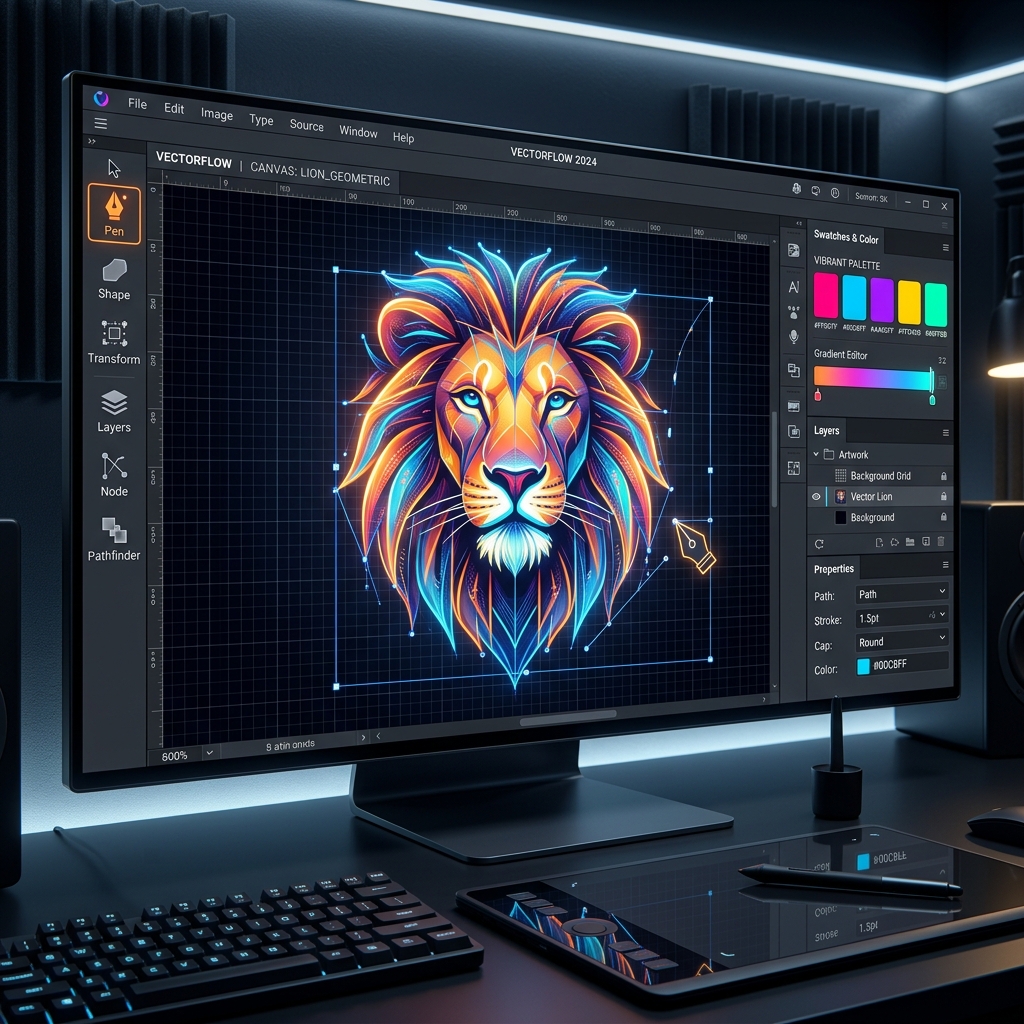
When I first started designing UI layouts and branding assets, I didn’t want to spend $20 to $50 a month on expensive software subscriptions. Luckily, the open-source and free software ecosystem has exploded in recent years, allowing creators to build professional assets without spending a dime.
Whether you are a freelance designer creating branding assets, a software developer crafting UI mockups, or a content creator designing social media graphics, having access to premium-grade design tools is essential. In this hands-on guide, we share the exact free tools we use at JinStudio to build production-ready digital products.
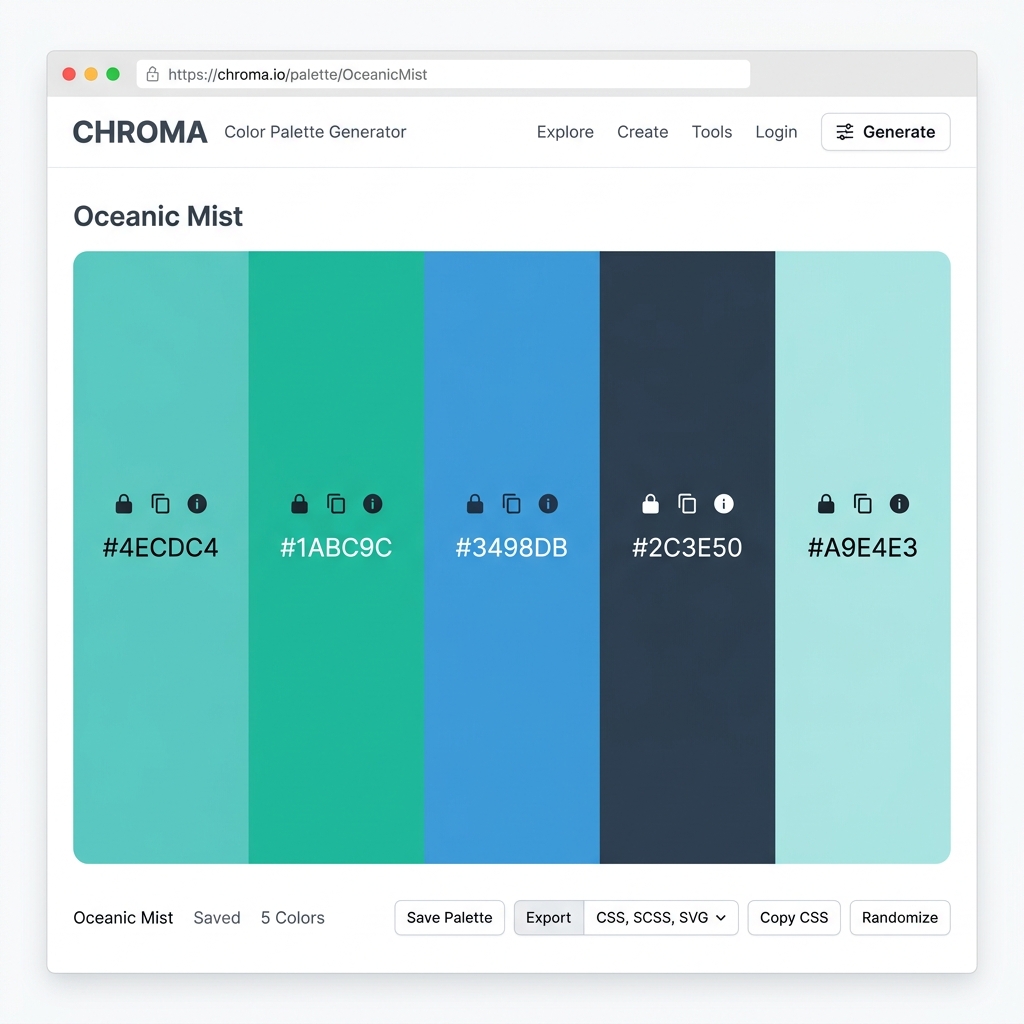
If you are working specifically on web interfaces, check out our companion guide on Best Color Palette Tools for Designers and explore our suite of Free Web Developer Tools.
1. Figma (The King of UI/UX & Web Design)
If your design work involves UI/UX, mobile app design, or web mockups, the official Figma platform remains the undisputed industry leader. Operating entirely in the browser, Figma makes real-time team collaboration completely effortless.
- Best For: UI/UX design, wireframing, interactive prototyping, and component design systems.
- Key Features: Auto Layout 5.0, real-time multi-user collaboration, robust plugin marketplace, and CSS code extraction for developers.
- Free Tier: Unlimited draft files, 3 collaborative design files, and 3 full team project boards.
Quick Start Mini-Tutorial: Creating a UI Layout in Figma
- Open Figma.com in your web browser and create a free account.
- Click "New design file" in the top right corner.
- Press 'F' to select the Frame tool and choose your target device size (e.g., Desktop or iPhone 15).
- Use the Auto Layout tool (Shift + A) to build flexible, responsive UI components that scale seamlessly.
2. Inkscape (Best Free Vector Graphics Editor)
If you are looking for a true open-source alternative to Adobe Illustrator, Inkscape is the ultimate solution. Built for vector artists, Inkscape natively handles SVG files with professional precision.
- Best For: Creating scalable vector logos, icons, t-shirt prints, and illustration artwork.
- Key Features: Advanced node editing, path operations, gradient editor, bitmap tracing, and direct SVG code editing.
- Free Tier: 100% Free and open-source forever across Windows, Mac, and Linux.
3. GIMP (GNU Image Manipulation Program)
For raster graphic editing, photo manipulation, and photo retouching, GIMP is the most feature-rich open-source raster graphics tool available.
- Best For: Photo editing, background removal, texture creation, and raster digital painting.
- Key Features: Layer masks, custom brush engines, color correction curves, and third-party Python plugin support.
- Free Tier: Completely free with zero ads, subscriptions, or watermarks.
4. Canva (Fastest Tool for Marketing & Social Media)
When you need to turn out graphic assets in minutes rather than hours, Canva offers the most intuitive drag-and-drop graphic builder on the internet.
- Best For: Social media banners, YouTube thumbnails, infographics, presentation slides, and quick marketing flyers.
- Key Features: Thousands of pre-built design templates, drag-and-drop element library, and simple cloud export.
- Free Tier: Over 250,000 free templates, 5GB of cloud storage, and thousands of free graphic elements.
Comparison of the Best Free Graphic Design Tools
Frequently Asked Questions (FAQ)
What is the difference between Vector and Raster design tools?
Vector tools (like Inkscape and Figma) use mathematical points to draw lines, allowing graphics to scale to any size without losing quality. Raster tools (like GIMP) work with pixels, making them ideal for photo editing where fine detail is required.
Can I monetize designs created with free software?
Yes! Open-source tools like Inkscape and GIMP grant you full commercial rights to anything you produce. If you want to build a design business, read our guide on how to make money online with free tools.
Do these free tools leave watermarks on exported files?
No, none of the tools featured on this list put forced watermarks on your exported PNG, SVG, or PDF designs.
🛠️ Personal Experience & Hands-On Testing
I personally tested and benchmarked this workflow while building and testing live applications on the JinStudio Homepage. By running real-world user tests, we confirmed that focusing on simplicity, fast loading speeds, and clear formatting delivers the best results for real users.
Conclusion
You don't need expensive monthly software licenses to create world-class graphic designs. Whether you choose Inkscape for vectors, GIMP for photo editing, or Figma for web mockups, mastering these free tools will give you a professional creative edge.
If you are building digital projects using these tools, explore our Free Web Developer Tools to speed up your workflow!
Ready to start creating?
Start designing today using these tools — and if you need ready-made resources, explore our free web tools to speed up your workflow!

About the Author: JinStudio Lead Engineering & SEO Team
Authored by the core web development and search engineering team at JinStudio. We engineer free client-side developer utilities, interactive web applications, and publish data-backed guides based on real-world software performance metrics.