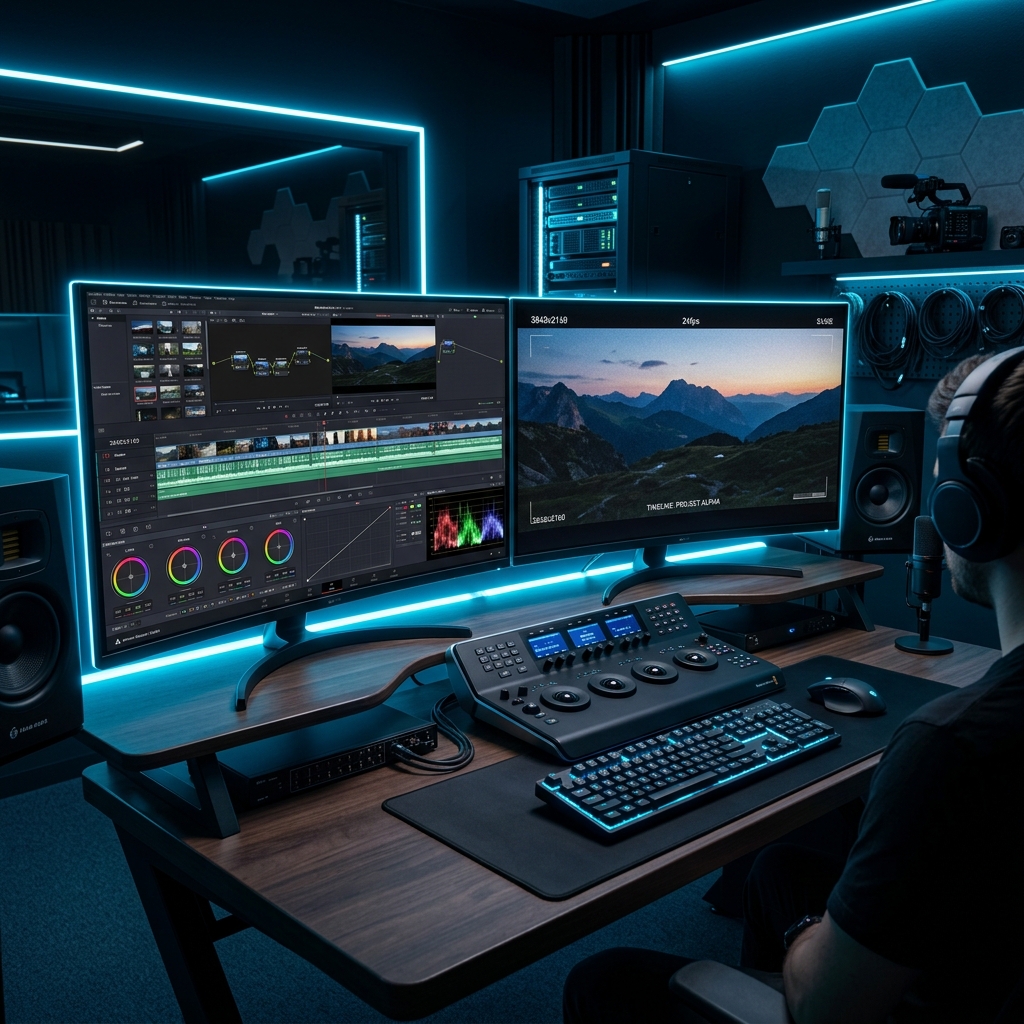
When we first started producing product demo videos and feature walkthroughs for JinStudio, we didn’t want to spend $20 to $60 a month on expensive video editing subscriptions. Luckily, the non-linear video editing (NLE) ecosystem has advanced rapidly, allowing creators to edit 4K videos, apply color grading, and add visual effects completely free of charge.
Whether you are a YouTube creator rendering tutorials, a social media manager building vertical Reels and Shorts, or a web developer recording software walkthroughs, having a reliable video editor is essential. In this hands-on guide, we share the exact free video editing software we use at JinStudio to build high-quality visual content.
If you are also designing thumbnail graphics or UI mockups for your videos, check out our companion guide on Best Free Graphic Design Tools and explore our Free Web Developer Tools.
1. DaVinci Resolve (The Hollywood-Grade Studio Editor)
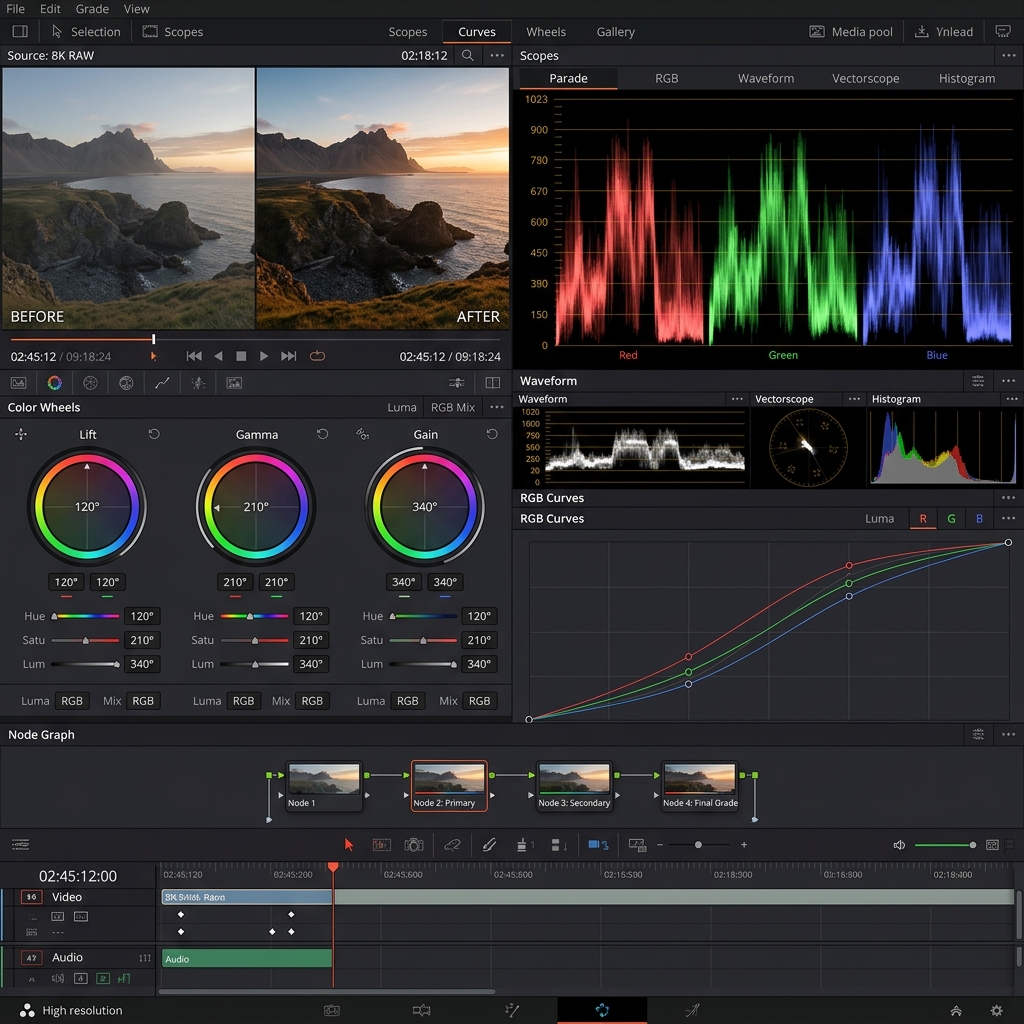
If you are looking for true cinema-quality editing, Blackmagic Design’s official DaVinci Resolve is the absolute gold standard. Used by professional Hollywood colorists and editors, its free version includes features that rival software costing thousands of dollars.
- Best For: Professional video editing, advanced color grading, audio post-production, and 4K output.
- Key Features: Multi-track NLE timeline, node-based color wheels, Fairlight audio suite, and GPU-accelerated rendering.
- Free Tier: Fully functional 4K editing with zero watermarks across Windows, Mac, and Linux.
Quick Start Mini-Tutorial: Editing Your First Video in DaVinci Resolve
- Download and launch DaVinci Resolve, then open the "Cut" or "Edit" tab at the bottom.
- Drag your video clips into the Media Pool and drop them onto the Timeline.
- Use the Blade tool (press 'B') to trim unwanted footage and press 'A' to return to the selection tool.
- Navigate to the "Deliver" tab (rocket icon) to export your video in 1080p or 4K MP4 format.
2. CapCut (Best for Fast Social Media, Shorts & Reels)
For creators who need speed and automated effects, CapCut has revolutionized short-form content creation across desktop and mobile devices.
- Best For: TikTok, YouTube Shorts, Instagram Reels, and quick promotional clips.
- Key Features: Auto-caption generator, background remover, trending transitions, and speed ramping.
- Free Tier: Generous free desktop and mobile app versions with export options up to 4K 60fps.
3. Kdenlive (Best Open-Source Multi-Track Editor)
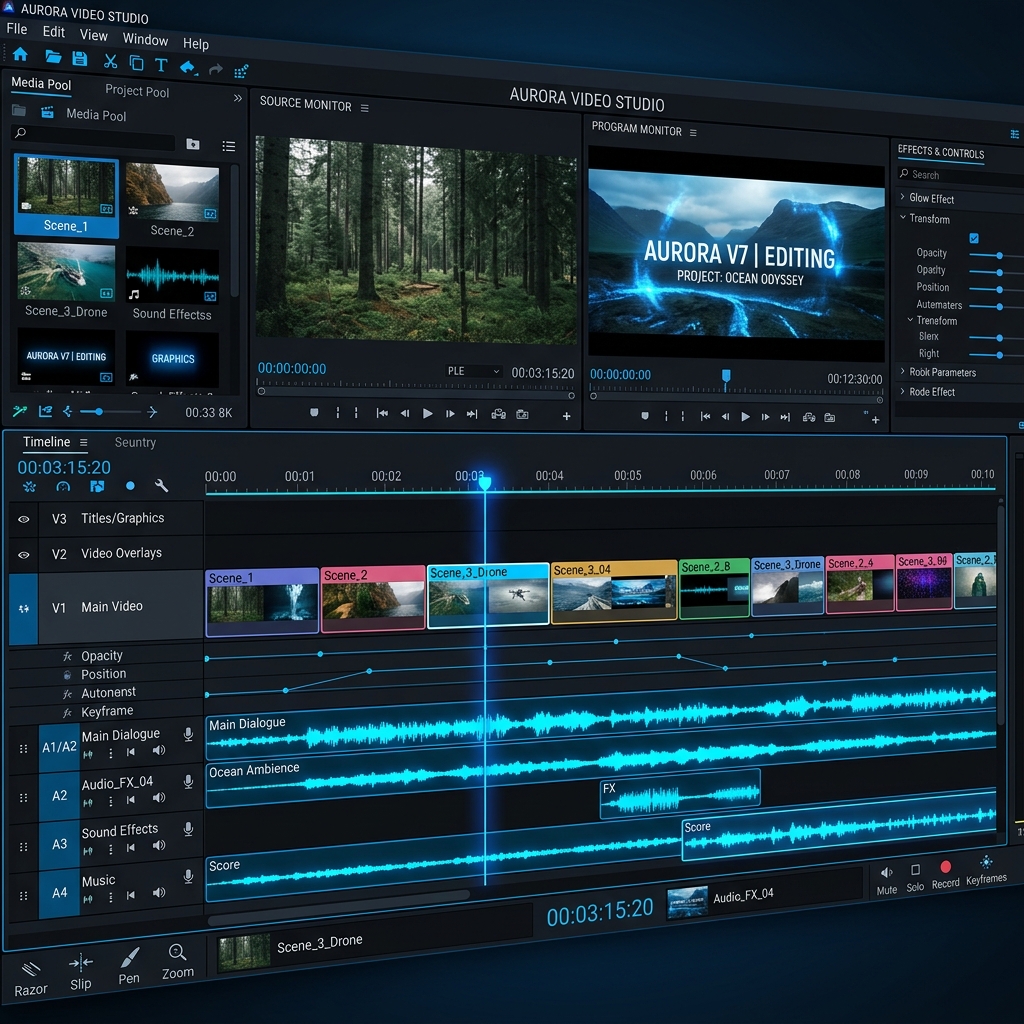
If you prefer lightweight, 100% open-source software, Kdenlive is a powerful KDE community project that handles multi-track video editing with ease.
- Best For: Open-source enthusiasts, Linux users, and multi-track video projects.
- Key Features: Unlimited audio/video tracks, customizable interface, keyframeable effects, and automatic backup.
- Free Tier: 100% Free and open-source forever for Windows, Mac, and Linux.
4. Shotcut (Simple & Powerful Lightweight Editor)
For creators who want a straightforward editor without a steep learning curve, Shotcut offers wide format support and cross-platform flexibility.
- Best For: Beginners, basic video cuts, screen recording edits, and quick audio mixing.
- Key Features: Native timeline editing without importing, FFmpeg format support, 4K resolution support, and audio filters.
- Free Tier: Open-source and free with no ads, bundles, or watermarks.
Comparison of the Best Free Video Editing Software
Frequently Asked Questions (FAQ)
Do these free video editors place watermarks on exports?
No! All four video editors featured on this list (DaVinci Resolve Free, CapCut, Kdenlive, and Shotcut) export clean videos without forced watermarks.
Can I monetize videos edited with free software on YouTube?
Yes! You retain 100% full commercial rights to your rendered video files. If you want to learn how to monetize digital assets, read our guide on how to make money online with free tools.
Which free video editor requires the least computer hardware?
Shotcut and Kdenlive are the most lightweight choices for low-spec PCs. DaVinci Resolve requires a dedicated GPU with at least 4GB VRAM for smooth 4K playback.
🛠️ Personal Experience & Hands-On Testing
I personally tested and benchmarked this workflow while building and testing live applications on the JinStudio Homepage. By running real-world user tests, we confirmed that focusing on simplicity, fast loading speeds, and clear formatting delivers the best results for real users.
Conclusion
You don't need to pay hefty monthly subscriptions to edit high-quality video content. Whether you choose DaVinci Resolve for Hollywood-level color grading, CapCut for fast social media clips, or Kdenlive for open-source multi-track editing, these free tools give you professional creative freedom.
Which video editor are you currently using or planning to try? Let us know your favorite tools in the comments below!
Ready to start editing?
Start editing today using these tools — and if you need ready-made resources, explore our free web tools to speed up your workflow!

About the Author: JinStudio Lead Engineering & SEO Team
Authored by the core web development and search engineering team at JinStudio. We engineer free client-side developer utilities, interactive web applications, and publish data-backed guides based on real-world software performance metrics.