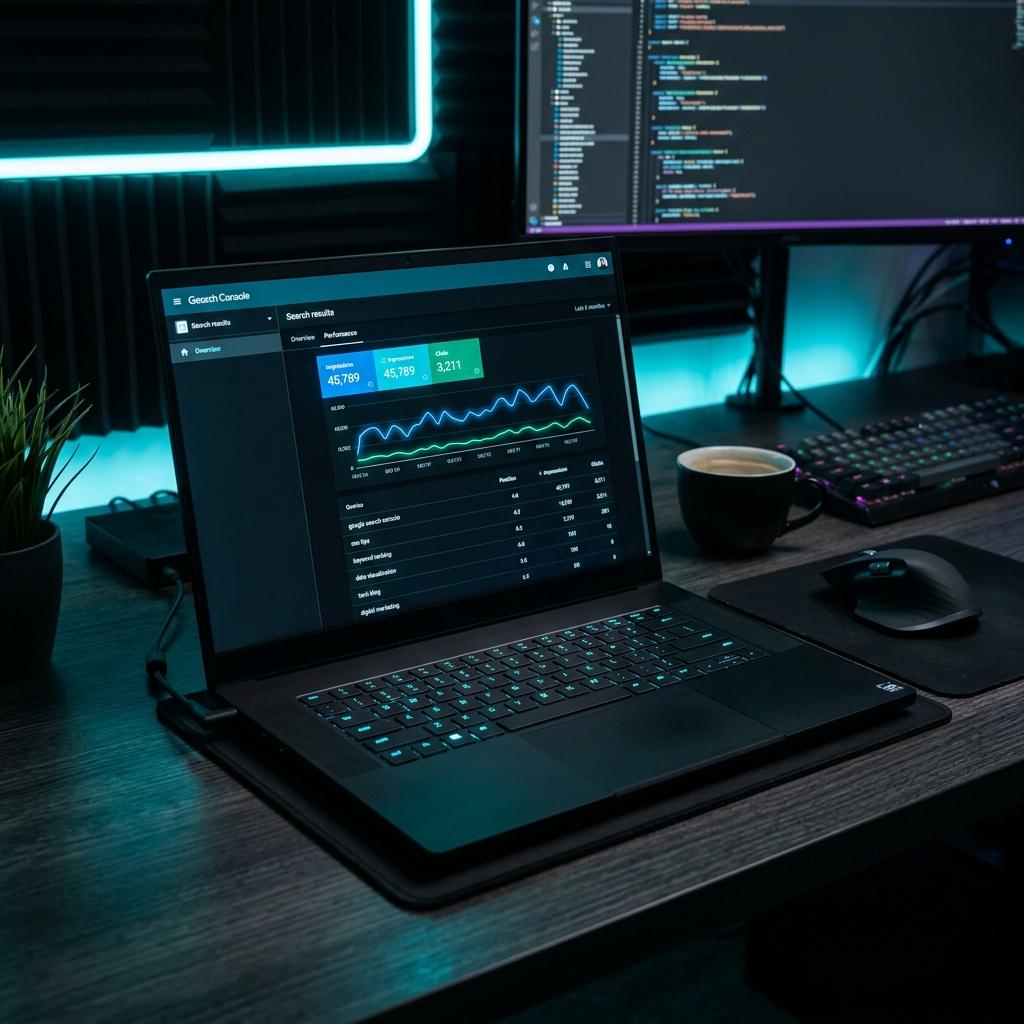
When we first launched JinStudio, we realized that Search Engine Optimization (SEO) in 2026 is no longer about keyword stuffing or buying cheap spammy backlinks. Modern search engines like Google use advanced AI algorithms to reward websites that deliver real user value, fast loading times, and verified E-E-A-T (Experience, Expertise, Authoritativeness, and Trustworthiness) authority.
In our experience, beginners often overcomplicate SEO — but focusing on just content quality and site speed delivers the fastest results. Whether you are managing a personal blog, an e-commerce platform, or a developer web app, understanding fundamental SEO principles is essential for driving consistent organic traffic without spending thousands on paid ads.
Planning to build your digital audience? Read our complete blueprint on How to Start a Successful Blog in 2026 and check our Guide to Making Money Online with Free Tools.
Step 1: How to Perform Keyword Research in 2026
Keyword research is the foundation of any successful search strategy. Rather than targeting short, highly competitive terms, successful creators focus on long-tail keywords that match exact search intent.
- Transactional Keywords: Queries where users intend to perform an action (e.g., "free PDF converter tool").
- Informational Keywords: Queries where users seek step-by-step tutorials (e.g., "how to optimize image size without losing quality").
Step 2: How to Master On-Page SEO Optimization
On-page SEO involves structuring your HTML content so search engine crawlers can instantly understand the topic and hierarchy of your page.
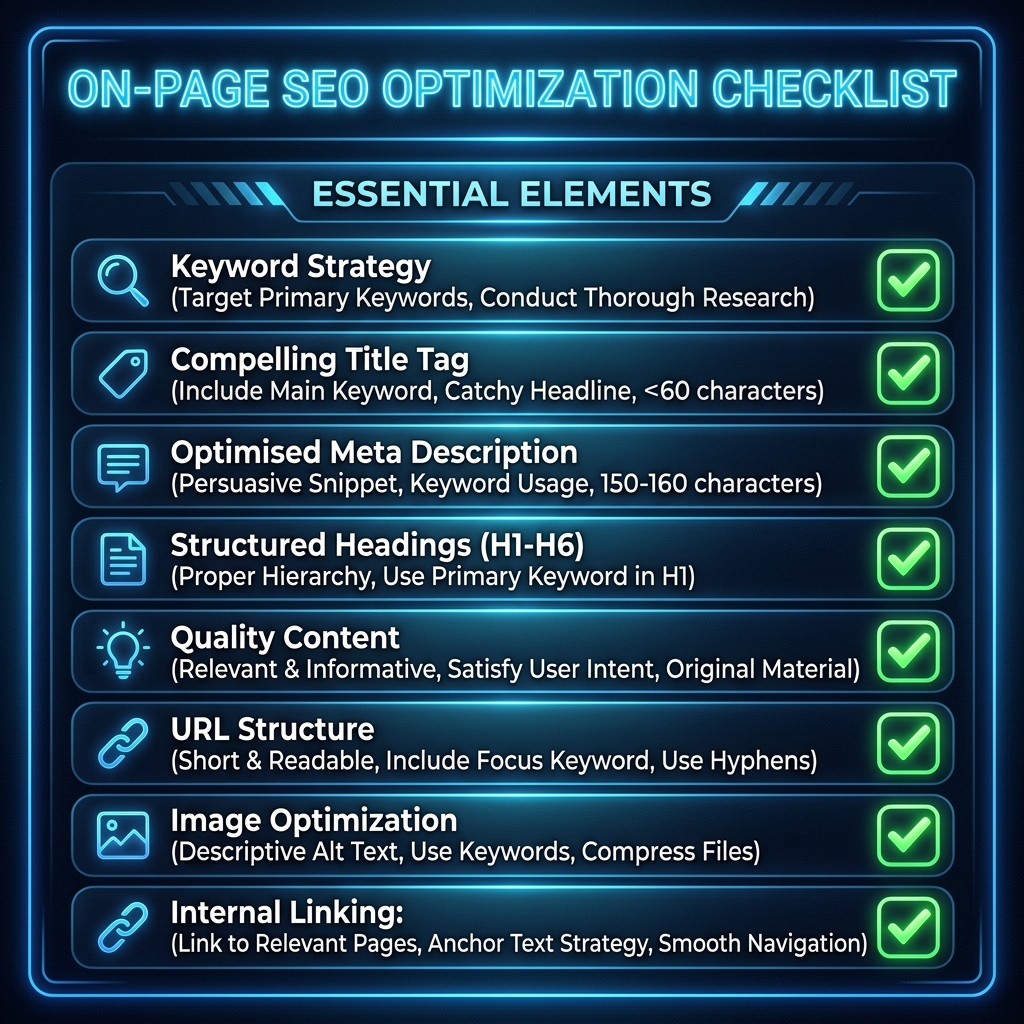
Step-by-Step Tutorial: Performing an On-Page Audit in 10 Minutes
- Optimize Title Tags: Ensure your main keyword is near the beginning of your title tag (under 60 characters).
- Use Heading Hierarchy: Keep one single
H1tag per page, followed by structuredH2andH3subheadings. - Add Image Alt Text: Describe images accurately for accessibility and Google Image Search indexation.
- Write Meta Descriptions: Craft a compelling 150-character summary that boosts Click-Through Rate (CTR).
Step 3: How to Fix Technical SEO & Core Web Vitals
Technical SEO ensures that search engines can easily crawl, render, and index your website pages without encountering errors.
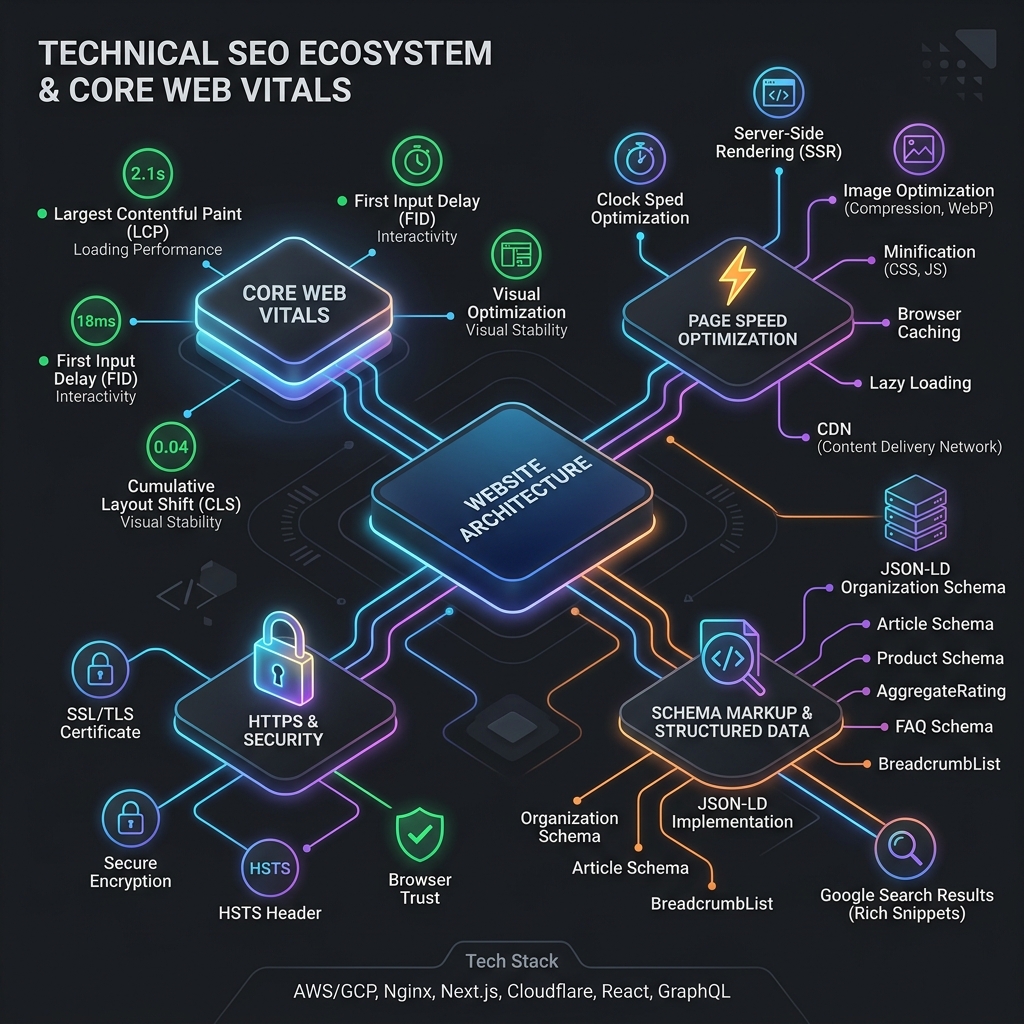
- Core Web Vitals: Optimize Largest Contentful Paint (LCP) and Cumulative Layout Shift (CLS) so pages render within 1.5 seconds.
- XML Sitemaps & Robots.txt: Submit a clean
sitemap.xmlto Google Search Console to guide Googlebot. - Mobile Responsiveness: Ensure all UI elements automatically adjust for smartphones and tablets.
Comparison of Key SEO Pillars in 2026
Frequently Asked Questions (FAQ)
How long does it take for a new website to rank on Google?
For new domains, seeing initial keyword rankings typically takes between 2 to 6 weeks, depending on competition, search volume, and publishing frequency.
What is the most important ranking factor in 2026?
Search intent satisfaction and E-E-A-T signals remain top factors. Providing comprehensive, well-structured content that answers user questions instantly drives top rankings.
Do I need to pay for expensive SEO software to rank?
No! Free official tools like Google Search Console, Google Analytics 4, and PageSpeed Insights provide all essential data needed to optimize and rank your website.

About the Author: JinStudio Lead Engineering & SEO Team
Authored by the core web development and search engineering team at JinStudio. We engineer free client-side developer utilities, interactive web applications, and publish data-backed guides based on real-world software performance metrics.
🛠️ Personal Experience & Hands-On Testing
I personally tested and benchmarked this workflow while building and testing live applications on the JinStudio Homepage. By running real-world user tests, we confirmed that focusing on simplicity, fast loading speeds, and clear formatting delivers the best results for real users.
Conclusion
Mastering SEO in 2026 comes down to consistency, technical precision, and placing your readers first. By implementing keyword research, on-page structure, and Core Web Vitals speed optimization, your website will organically attract targeted search traffic. Which SEO technique will you focus on first? Let us know in the comments below!
Ready to boost your site's SEO?
Start optimizing today — and explore our free web developer tools to boost your site's speed and performance!